
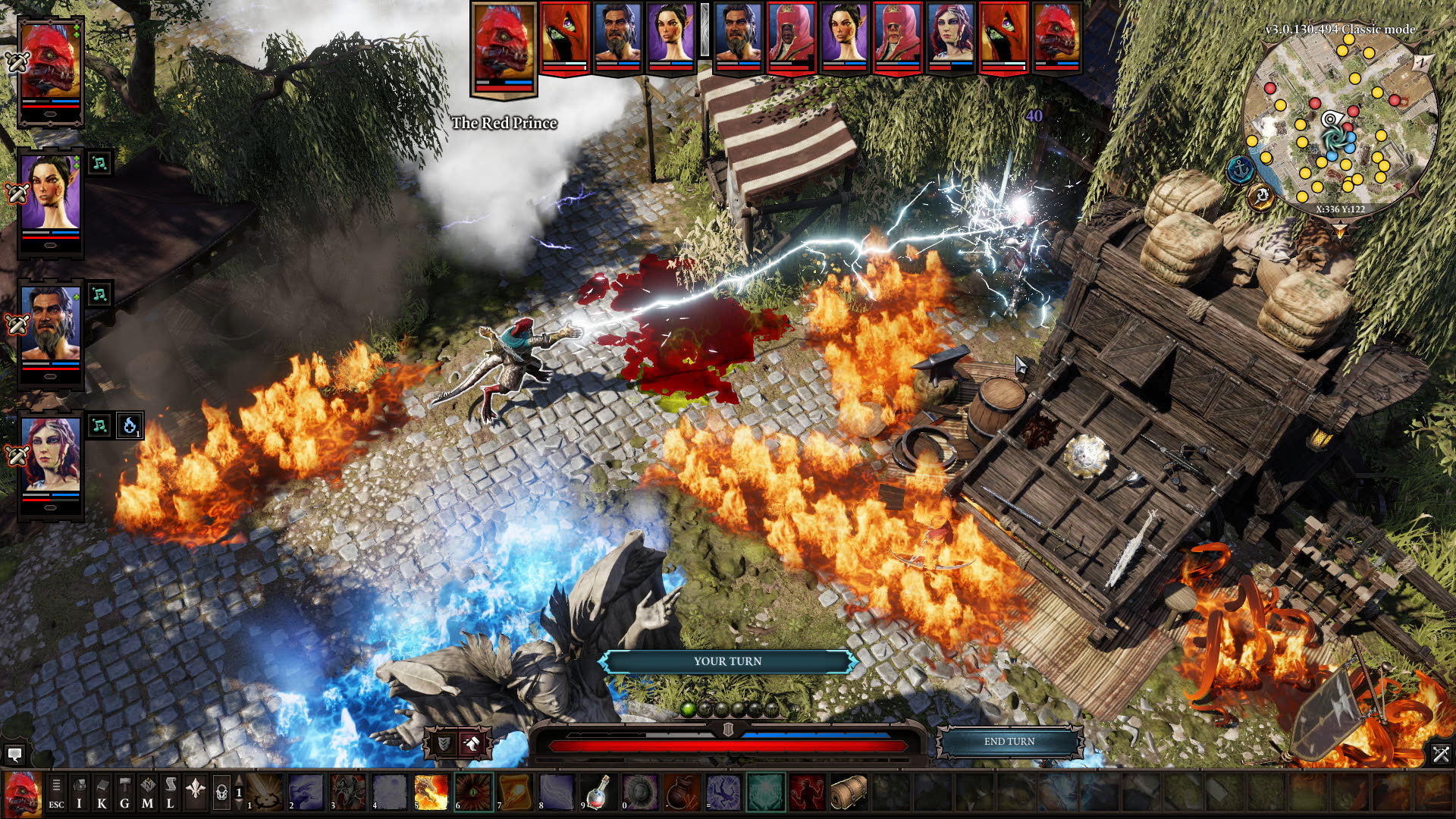
In Divinity: Original Sin 2 – Definitive Edition, the order of your combat actions matters. A planned knockdown can fail against physical armour, while an attack can cost more than expected if your character must move into position first. Before committing, check the target, its protection, and the cost of the whole turn.
This guide gives you a repeatable way to plan that turn. Examine an enemy, compare physical and magical armour, preview movement and Action Points (AP), and account for surfaces and high ground. Then decide whether to act, end the turn with AP left for the next one, or delay an untouched turn until later in the current round.
Check the Target and Its Armour
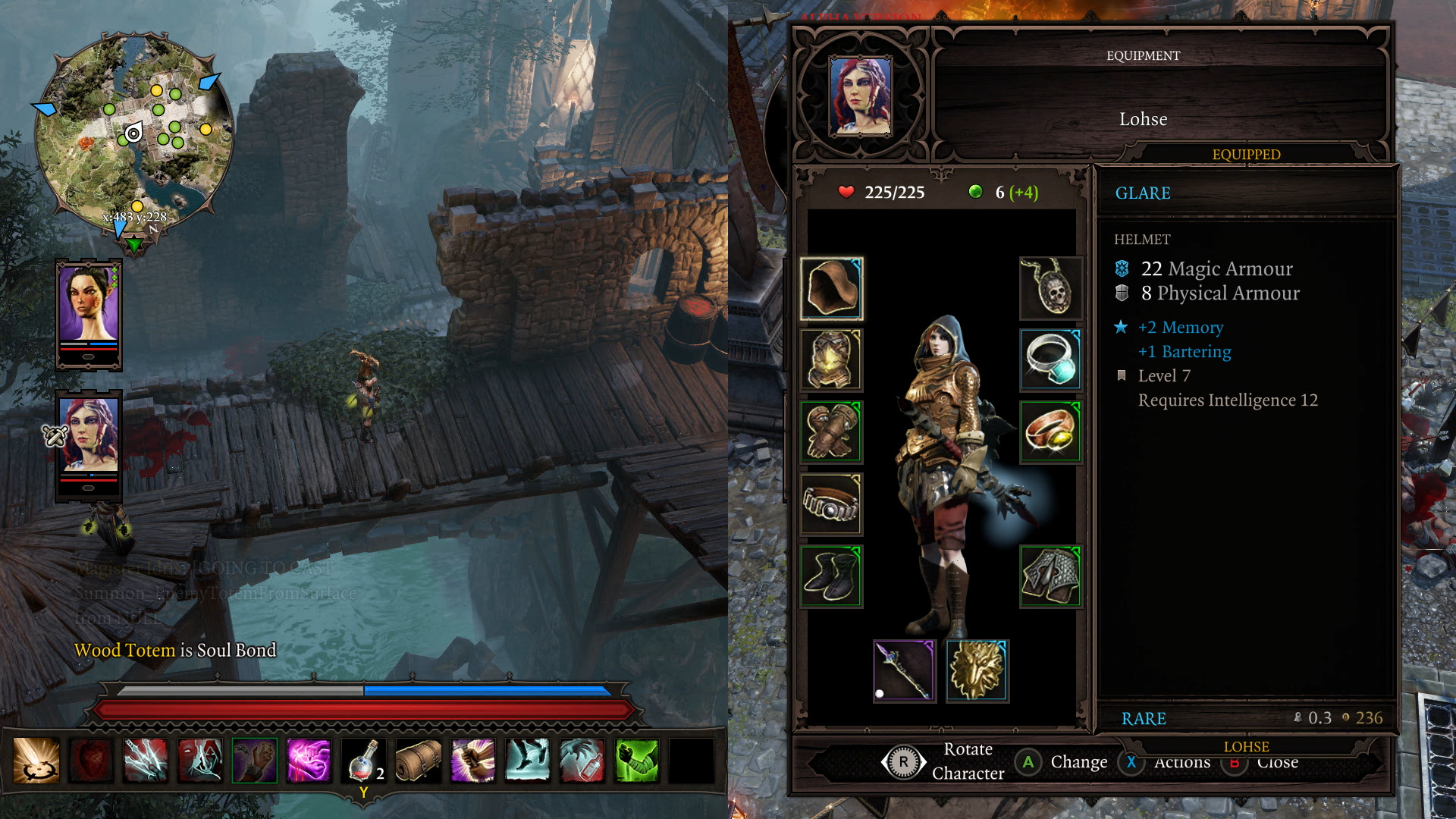
Select and examine the enemy before choosing a skill. Examining reveals information about the target, with more detail available at higher Loremaster levels. Pay particular attention to physical armour, magical armour, and Vitality as separate values. The armour pools protect Vitality and block corresponding status effects. In the official digital manual, physical armour stops the described knockdown, while magical armour prevents the Burning status in its example of standing in fire.
| Planned Effect | Check First |
|---|---|
| Knockdown | If physical armour remains when the effect is applied, it can block the knockdown. Check the chosen skill’s description as well. |
| Burning from fire | If magical armour remains when the Burning effect is applied, it can block that status. |
Inspect the specific skill and target each time. These examples do not mean every weapon attacks the same armour pool or every status works alike against every enemy. If one of your character’s armour pools is depleted, suitable skills and potions can replenish it during combat. Otherwise, the manual says armour resets at the end of combat.
Budget Movement and Actions Together
First, point to the place you want to move: the preview shows the path and its AP cost. Pointing to an enemy for an attack shows a cost that already includes any movement needed to reach the target. To preview a skill, select it and point to its target; some skills need confirmation rather than a target. Compare those previews with your available AP before moving. If the attack preview already includes the approach, do not add that movement cost a second time. Gamepressure’s PC combat guide also describes the AP display as a planning aid.
- Examine the target and decide what effect you want.
- Preview the route and its AP cost. If the attack includes an approach, use the full attack preview.
- Check the intended skill or item’s AP cost. Potions, food, scrolls, and equipping or replacing gear also cost AP in combat.
- Commit only when the movement and follow-up action fit the turn’s available AP.
If AP remains after acting, you can end the turn and preserve the unused points for the next turn. Delaying is a different choice: it moves your turn to the end of the current round and is available only before you spend any AP. Make that decision before your first step or item use.
Account for Surfaces and High Ground
Look at the ground beneath your target and party before using an elemental skill. Rain can create water or douse fire; electricity can electrify water; a fire spell can explode a poison surface. Check who is standing on a surface and where your characters need to travel after you change it. A useful effect against an enemy can also make your own position hazardous.
According to the manual, high ground extends the range of ranged weapons and ranged skills. Use the range preview to see whether that position reaches your target. Include the AP cost of getting there, though: extra range does not by itself pay for an attack in the same turn.
When the Plan Fails
- The knockdown does not land: Examine the target again and check its physical armour and the chosen skill’s effect.
- Movement leaves too little AP: Compare the route’s cost with the attack preview, which already includes any required approach. Choose a shorter route or another action if needed.
- An elemental combination threatens your party: Check the existing surface and everyone’s position before changing it with rain, electricity, or fire.
- Your armour is depleted: Look for a suitable replenishing skill or potion and include its AP cost.
If the sequence of a fight is unclear, review its recorded actions. The official manual lists a combat log in the journal, and Gamepressure’s PC interface guide describes the game log as a way to track actions. Use that record to adjust your next turn to what happened in the encounter.
Sources
Cover Image: Larian Studios · store.steampowered.com
Comments
No comments yet. Start the conversation.
Join the Community
Sign in or create a free account to comment. Comments are moderated.