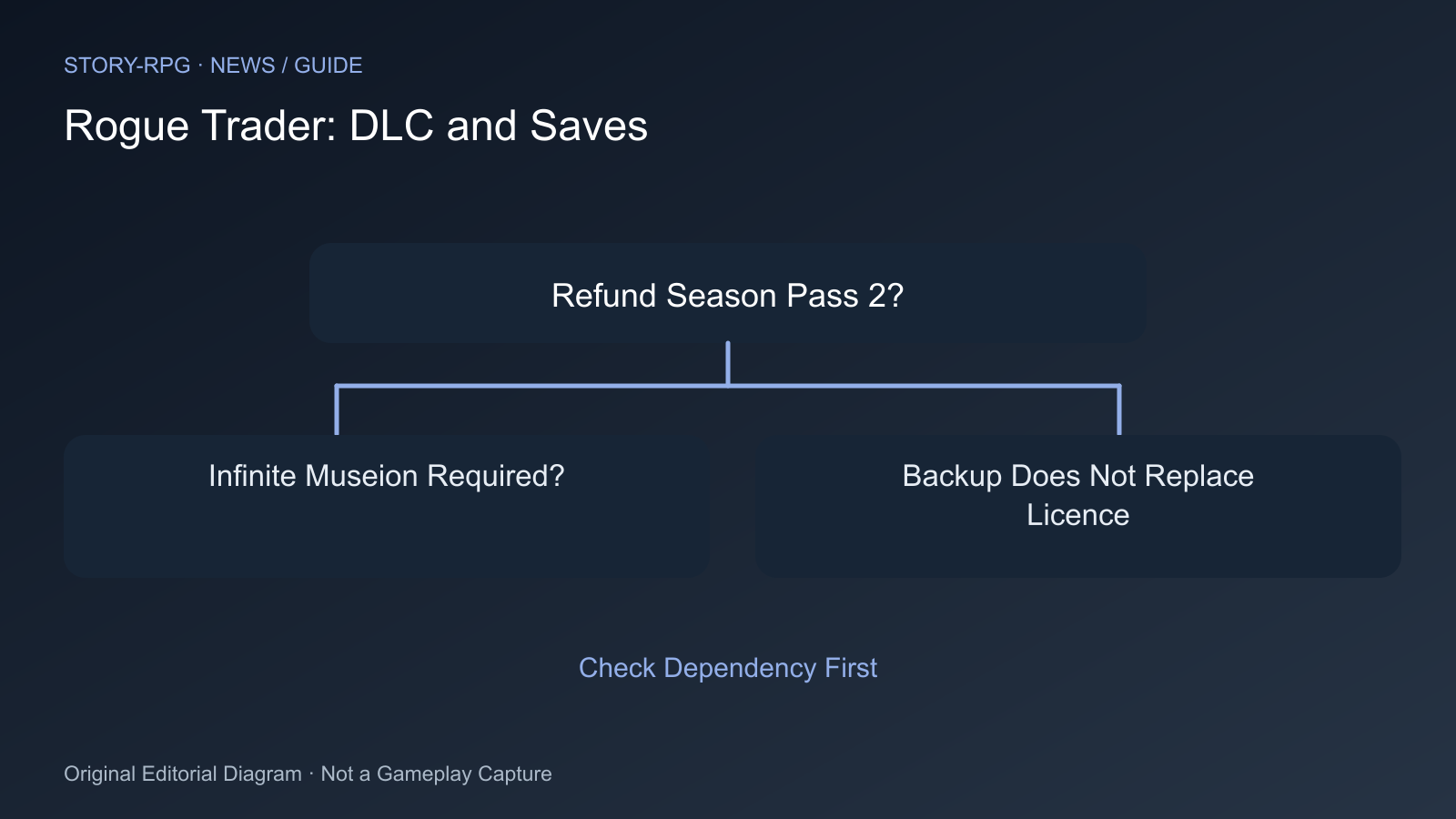
Because Processional of the Damned is delayed, Owlcat offers a Steam refund for Season Pass 2. This also removes The Infinite Museion. Saves using its enabled content may become unusable afterwards.
- Record which saves you want to continue and which DLCs were enabled during play.
- Back them up separately before changing the account or installation. Cloud synchronisation alone is not an independent copy.
- Check whether The Infinite Museion was enabled for that playthrough. If uncertain, treat the dependency as unresolved and retain the licence.
- Consider buying The Infinite Museion separately when deciding on a refund if you want to continue a dependent save.
- Submit the refund request through Owlcat’s specified Steam Support route. Then check actual licence ownership before overwriting the original save.
Distinguish Cosmetics From DLC Progress
The Appearance Pack is integrated into the base game for free and should not affect saves. Other platforms receive this change later. This statement cannot be extended to the actual Infinite Museion dependency.
A backup does not make a missing DLC licence unnecessary. Reinstalling also does not remove the documented save dependency. Do not buy or remove content solely in the hope that loading will automatically work afterwards.
If you cannot establish the dependency clearly, preserve the original state and ask support with the DLC list and affected save file. Experimentally editing a save is not a studio-confirmed refund procedure.
Sources
Cover Image Source: steamstore-a.akamaihd.net
Comments