
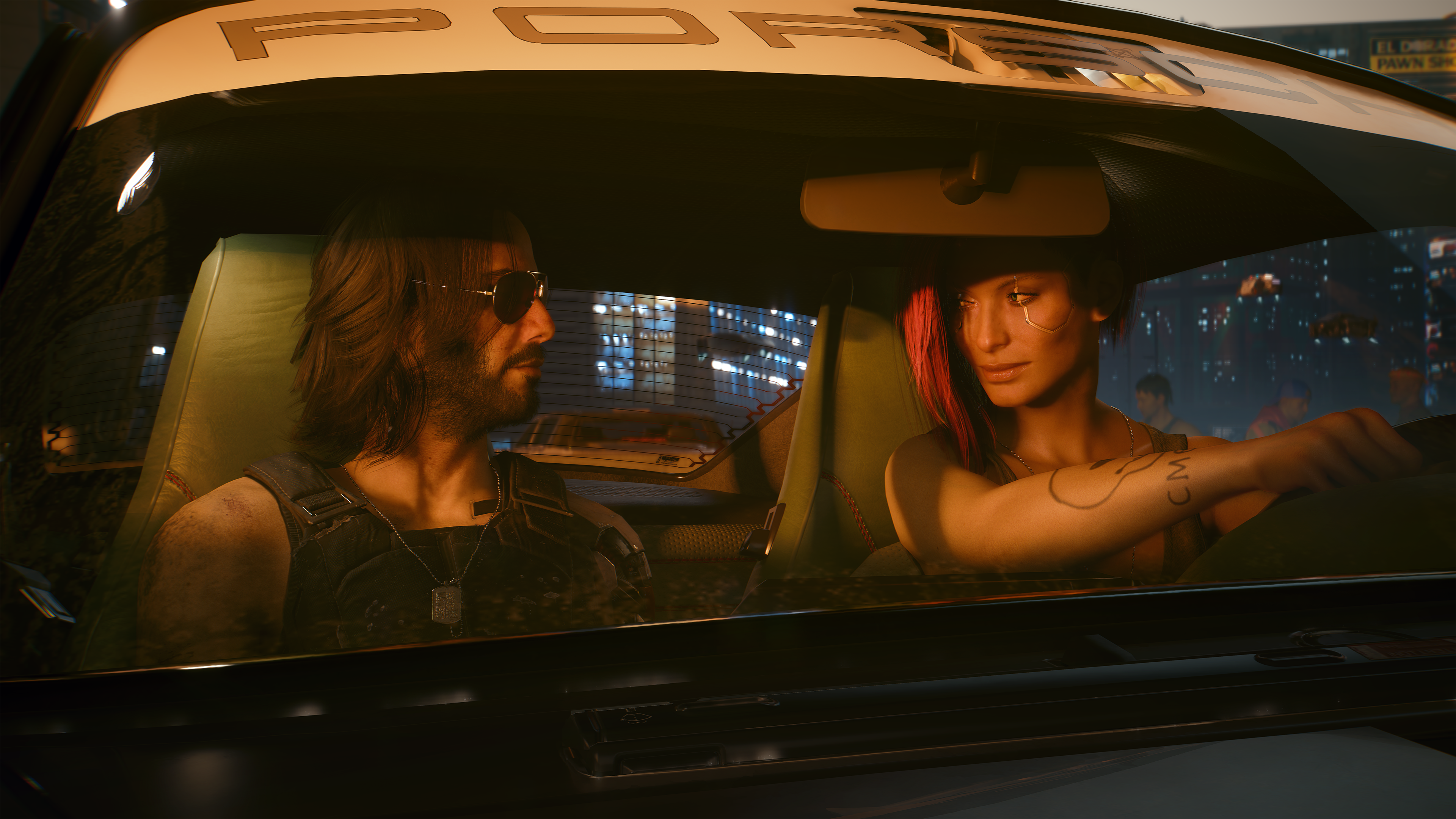
Cyberpunk 2077’s Update 2.3 added two ways to let a vehicle do the driving. AutoDrive takes one of your own vehicles to a selected destination or cruises around Night City when you have no destination. The Delamain Cab is a separate service that you unlock and request through the vehicle call menu. You do not need a Delamain cab to use AutoDrive, and activating AutoDrive does not unlock the cab.
Both features came with the free update to the base game. You do not need Phantom Liberty or the Ultimate Edition, and you can continue an existing save. CD PROJEKT RED lists PC, PlayStation 5, Xbox Series X|S, Nintendo Switch 2, and Mac as supported platforms. This guide covers the developer’s stated default controls, Delamain’s unlock conditions, and how destination drives differ from Free Roam after Patch 2.31.
How to Activate AutoDrive in Your Vehicle

Image: CD PROJEKT RED · Source 1 · Source 2
Set a destination if you want to travel somewhere specific. Without one, AutoDrive starts a leisurely Free Roam drive. CD PROJEKT RED gives these steps in the Update 2.3 patch notes:
- Select a job objective or place a pin on the map for the destination you want.
- Get into one of your own vehicles and make sure it is on a road.
- Hold G on PC or hold the left stick on consoles to activate AutoDrive. The stated input is a hold, not a tap.
With no destination set, your vehicle cruises Night City in Free Roam. AutoDrive is not fast travel: the vehicle drives through the streets. For the optional cinematic camera, hold Q on PC or hold D-Pad Right on consoles. That changes the camera view; it is not the AutoDrive activation control.
Destination Drives and Free Roam After Patch 2.31
Your destination affects how AutoDrive behaves. According to CD PROJEKT RED’s Patch 2.31 notes, a vehicle driving to a selected point overtakes blocking traffic and no longer stops at traffic lights. Free Roam, which has no selected destination, follows traffic rules more reliably. Clear the destination for a relaxed city drive; select a job objective or map pin when you want to go somewhere.
AutoDrive does not make the journey hazard-free or safe to leave unattended. CD PROJEKT RED says it disables when you enter combat or when your vehicle is heavily damaged, so keep an eye on the drive.
How to Unlock and Call a Delamain Cab
The Delamain service has its own unlock conditions. Complete Don’t Lose Your Mind; any outcome qualifies. Then receive a message from Delamain. CD PROJEKT RED says both the completed job and the message are required before the service unlocks.
Once those conditions are met, open the menu for calling vehicles and select Delamain Cab to request a ride. You do not need to buy a particular car or choose a particular quest outcome. Patch 2.31 also fixed a bug that made Johnny always appear in the passenger seat during Delamain rides; that fix does not mean he can never appear there.
What to Check When a Ride Is Unavailable
- AutoDrive will not start: Check that you are in your own vehicle on a road and are holding the activation control. The feature is disabled during combat and when the vehicle is heavily damaged.
- The vehicle cruises instead of heading to your stop: Select a job objective or place a map pin. With no destination, Free Roam is the expected behavior.
- Delamain Cab is absent from the vehicle call menu: Check separately that Don’t Lose Your Mind is complete and Delamain’s message has arrived. The road, combat, and damage conditions above describe AutoDrive in your own vehicle.
Sources
- store.steampowered.com
- www.cyberpunk.net
- www.cyberpunk.net
- www.cyberpunk.net
- www.cyberpunk.net
- www.cyberpunk.net
- www.cyberpunk.net
- press.cdprojektred.com
- regulations.cdprojektred.com
Cover Image: CD PROJEKT RED · press.cdprojektred.com · regulations.cdprojektred.com
Comments
No comments yet. Start the conversation.
Join the Community
Sign in or create a free account to comment. Comments are moderated.