
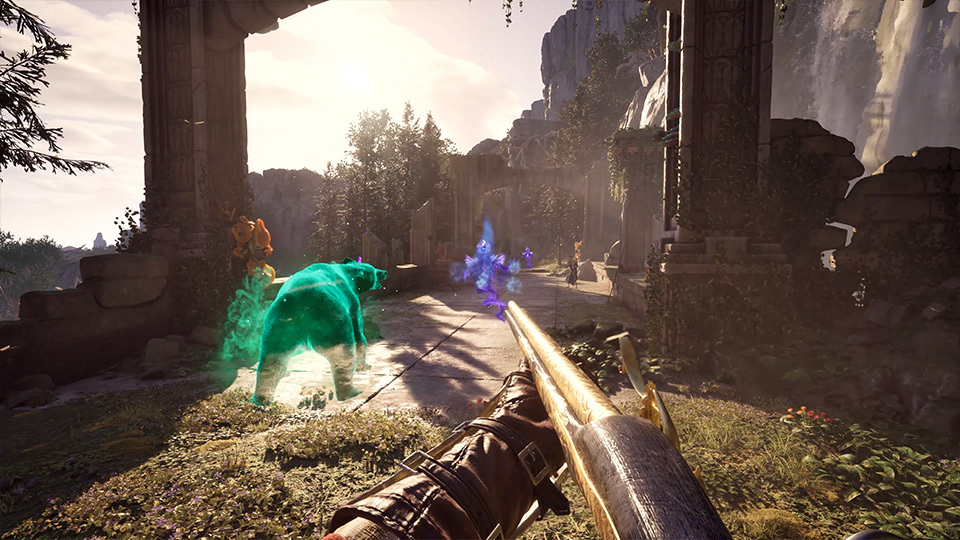
In Avowed on Steam for Windows PC, the Anniversary Update added controls for individual parts of the game’s difficulty. If fights take too long, enemy health and your damage are relevant settings. If you die too quickly, enemy damage, your health, and resource recovery address different causes. Companions, carrying capacity, and equipment upgrade costs have their own controls too. Pick the part that matches your frustration instead of changing everything at once.
Before changing a custom option, check whether you are pursuing the achievement for completing Path of the Damned. Obsidian says using custom game options invalidates that achievement, although most other achievements are unaffected. Patch 2.1 also added a switch that lets you disable recurring enemies.
Check the Achievement Before Changing Custom Options
If the achievement for Path of the Damned is your goal, do not use custom game options during that attempt. Obsidian states the exception in its Anniversary Update announcement.
Where to Find Custom Difficulty
Open Settings, select the “Game” tab, and scroll down to the custom difficulty modifiers. Obsidian says you can adjust these options at any time during the game.
Start with the control that matches the problem you want to solve. Changing one related setting at a time can make its effect easier to judge.
| Problem | Relevant Options | Tradeoff to Consider |
|---|---|---|
| Fights take too long | Enemy health pool or player damage dealt | One changes enemy durability; the other changes your damage. |
| You die quickly | Enemy damage output; player health, regeneration, or restoration from potions and food | Incoming damage and recovery address different causes. |
| Parries are difficult to time | Parry window | This addresses timing rather than enemy health. |
| You cannot carry enough | Carry capacity | This changes inventory convenience rather than combat damage. |
| Gear upgrades feel costly | Equipment upgrade material costs; merchant prices if buying is the issue | Material requirements and shop prices are separate controls. |
What the Other Controls Change
Player settings separate damage dealt from health, stamina, and essence resources. They also include health and essence regeneration and restoration from potions and food. Other controls include Second Wind cooldown time and the parry window. Enemy damage, health, and attack speed are distinct settings, alongside stun, interrupt and knockdown behavior, elemental status thresholds, and aggro.
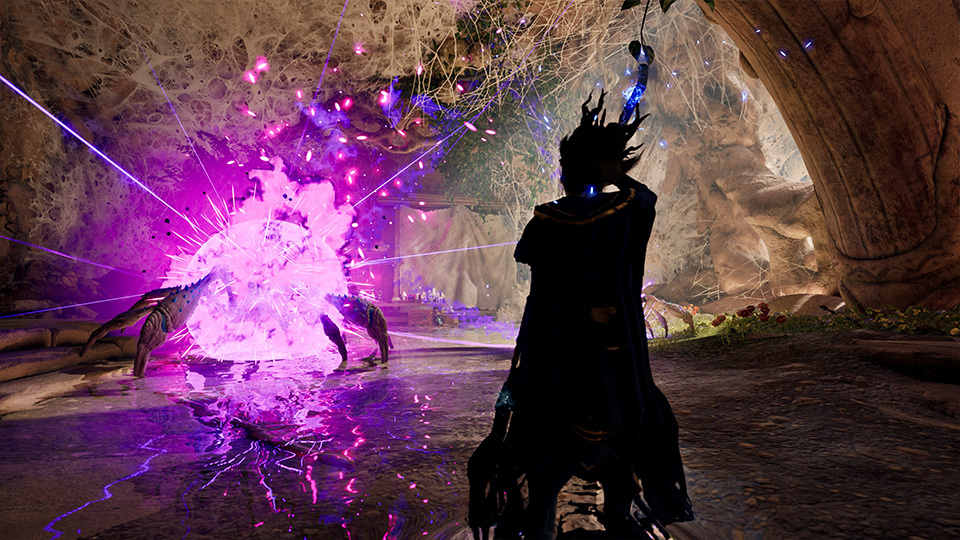
Companions have their own settings for damage dealt, maximum health, elemental status threshold, and aggro. General adjustments include merchant prices, equipment upgrade material costs, fall and trap damage. The Patch 2.0 notes list these groups separately, so companion health is not the same control as player health.
Disable Respawning Enemies Separately
Update 2.0 introduced three encounters per region whose enemies respawn, according to Obsidian. If those encounters bother you when revisiting an area, go to “Settings” > “Gameplay” > “Combat” and find the switch that disables respawning enemies. Obsidian gives that menu path in the Patch 2.1 notes from March 25, 2026.
Sources
- store.steampowered.com
- store.steampowered.com
- store.steampowered.com
- eternity.obsidian.net
- avowed.obsidian.net
Cover Image: Obsidian Entertainment / Xbox Game Studios · store.steampowered.com
Comments
No comments yet. Start the conversation.
Join the Community
Sign in or create a free account to comment. Comments are moderated.